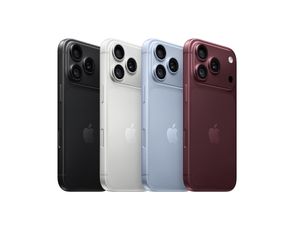
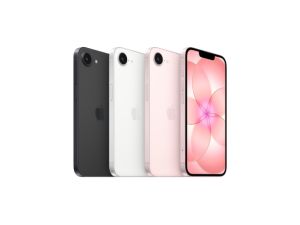
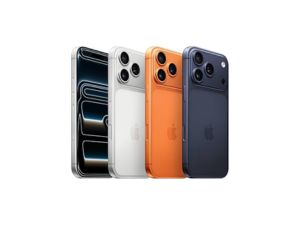
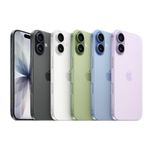
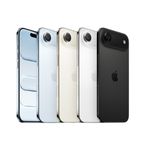
iPhone 17e
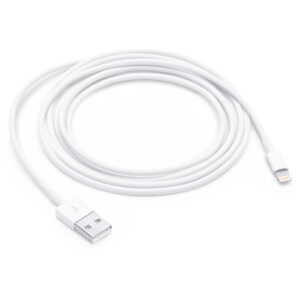
USB-C CHARGE CABLE(2M)
₹2,900.00
Price Summary
- ₹2,900.00
- ₹2,900.00
- ₹2,900.00
Apple (MYQT3ZM/A) 240W USB-C Charge Cable(2M)
Related Products
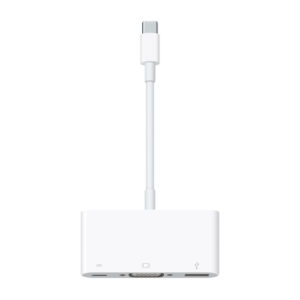
USB-C to USB Adapter
The USB-C to USB Adapter lets you connect iOS devices and many of your standard USB accessories to a USB-C– or Thunderbolt 3 (USB-C)–enabled Mac.
Apple MagSafe to MagSafe 2 Converter
The MagSafe to MagSafe 2 Converter allows you to use the MagSafe connector on your LED Cinema Display, Thunderbolt Display or MagSafe Power Adaptor to charge your MagSafe 2 equipped Mac computer.
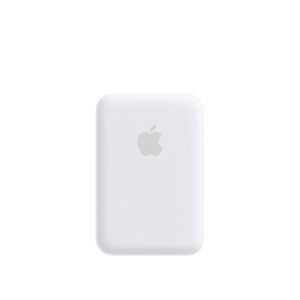
MagSafe Battery Pack
Attaching the MagSafe Battery Pack is a snap. Its compact, intuitive design makes on-the-go charging easy. The perfectly aligned magnets keep it attached to your iPhone 12 and iPhone 12 Pro or iPhone 13 and iPhone 13 Pro — providing safe and reliable wireless charging. And it automatically charges, so there’s no need to turn it on or off. There’s no interference with your credit cards or key fobs either.
Lightning to VGA Adapter
Use the Lightning to VGA Adapter with your iPhone, iPad or iPod with Lightning connector. The Lightning to VGA Adapter supports mirroring of what is displayed on your device screen — including apps, presentations, websites, slideshows and more — to your VGA-equipped TV, display, projector or other compatible display in up to 1080p HD.
Lightning Digital AV Adapter
Use the Lightning Digital AV Adapter with your iPhone, iPad or iPod with Lightning connector. The Lightning Digital AV Adapter supports mirroring of what is displayed on your device screen — including apps, presentations, websites, slideshows and more — to your HDMI-equipped TV, display, projector or other compatible display in up to 1080p HD.
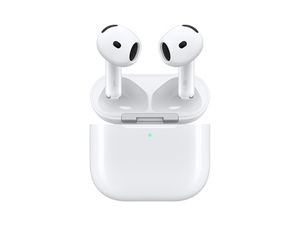
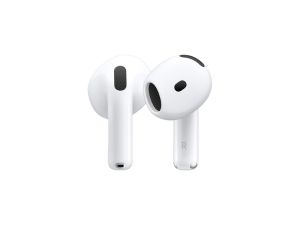
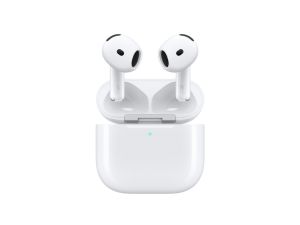
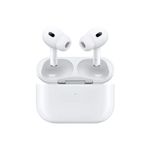
AirPod 3rd Generation (New)
- Spatial audio with dynamic head tracking places sound all around you
- Adaptive EQ automatically tunes music to your ears
- All-new contoured design
- Force sensor lets you easily control your entertainment, answer or end calls, and more
- Sweat and water resistant
- Up to 6 hours of listening time with one charge
- Up to 30 hours of total listening time with the MagSafe Charging Case
- Quick access to Siri by saying “Hey Siri”
- Effortless setup, in-ear detection and automatic switching for a magical experience
- Easily share audio between two sets of AirPods on your iPhone, iPad, iPod touch or Apple TV
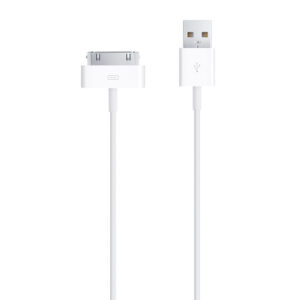
Lightning to USB Cable (0.5 m)
This USB 2.0 cable connects your iPhone, iPad or iPod with Lightning connector to your computer’s USB port for syncing and charging. Or you can connect to the Apple USB Power Adapter for convenient charging from a wall outlet.*
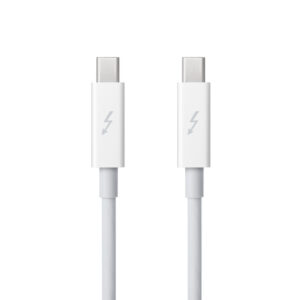
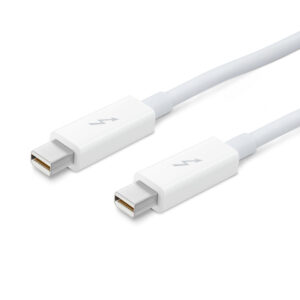
Apple Thunderbolt cable (2.0 m)
Thunderbolt technology supports fast data transfers with two independent channels of 10 Gbps each. And Thunderbolt 2 technology can bond the two channels for a super-fast 20 Gbps. Use this cable to connect Thunderbolt-enabled devices to the Thunderbolt or Thunderbolt 2 port on your Mac.
Power Adapter Extension Cable
The 1.8-metre Power Adapter Extension Cable is an AC extension lead that provides extra length for your Apple power adapter. Use it with MagSafe and MagSafe 2 power adapters, 10W and 12W USB-A power adapters and 29W, 30W, 61W, 67W, 87W, 96W and 140W USB-C power adapters.
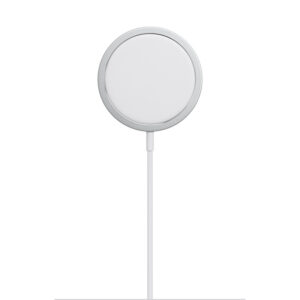
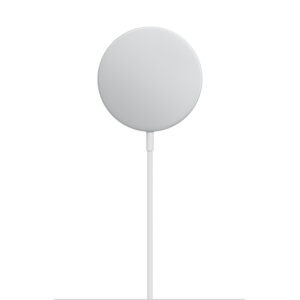
MagSafe Charger
The MagSafe Charger makes wireless charging a snap. The perfectly aligned magnets attach to your iPhone 13, iPhone 13 Pro, iPhone 12 and iPhone 12 Pro, and provide faster wireless charging up to 15W.
The MagSafe Charger maintains compatibility with Qi charging, so it can be used to wirelessly charge your iPhone 8 or later, as well as AirPods models with a wireless charging case, as you would with any Qi-certified charger.
The magnetic alignment experience only applies to iPhone 13, iPhone 13 Pro, iPhone 12 and iPhone 12 Pro models.
Recommended: 20W USB-C Power Adapter (sold separately)
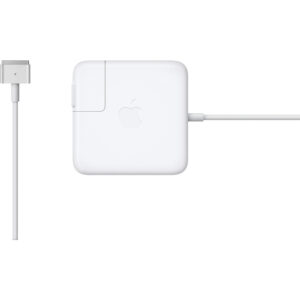
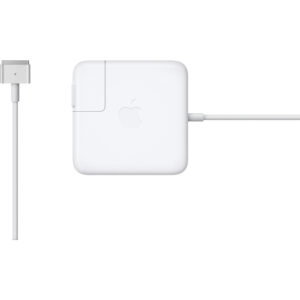
Apple 85W MagSafe Power Adapter (for 15- and 17-inch MacBook Pro)
Knowing which specific Mac model you have is important. If you are running OS X Lion (10.7) or later, go to the “” menu at the top left of your screen, choose “About this Mac” then click the “More Info…” button. Your Mac model and generation will be displayed.
If you are running an earlier version of OS X, you can enter your serial number here to find out which model you have.
Lightning to SD Card Camera Reader
With the Lightning to SD Card Camera Reader, it’s easy to download photos and videos from your digital camera to your iPad or iPhone so you can view them on the gorgeous Retina display and share them with family and friends.


There are no reviews yet.