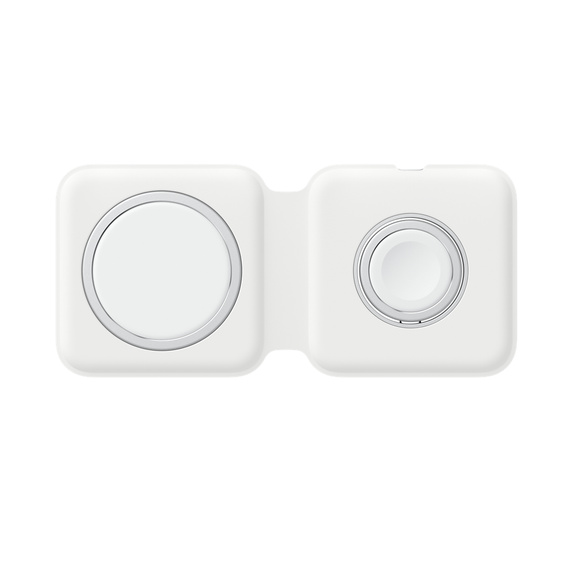
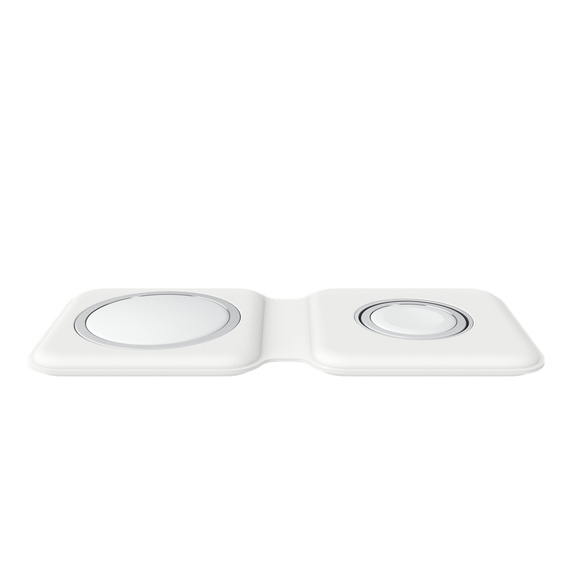
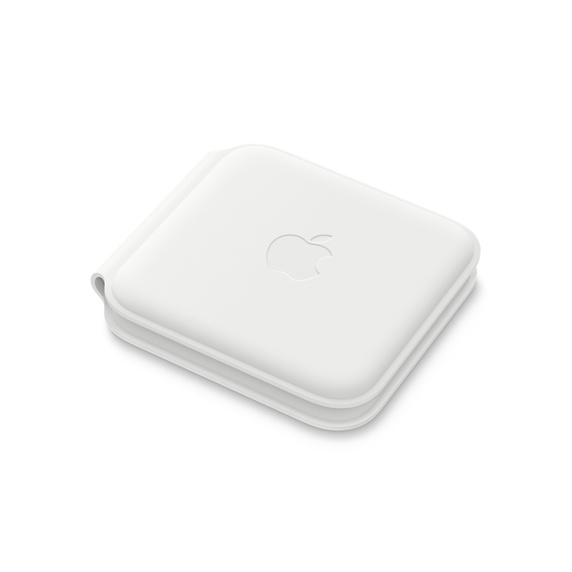
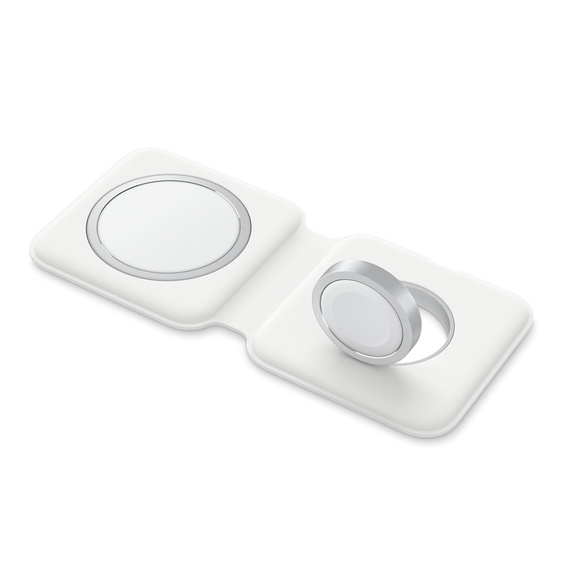
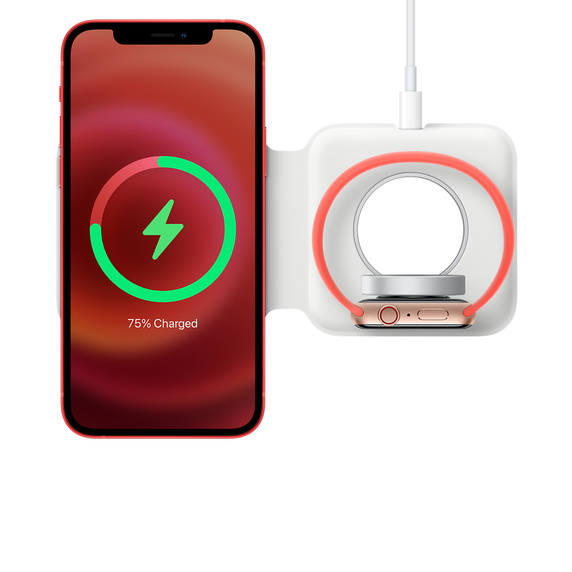
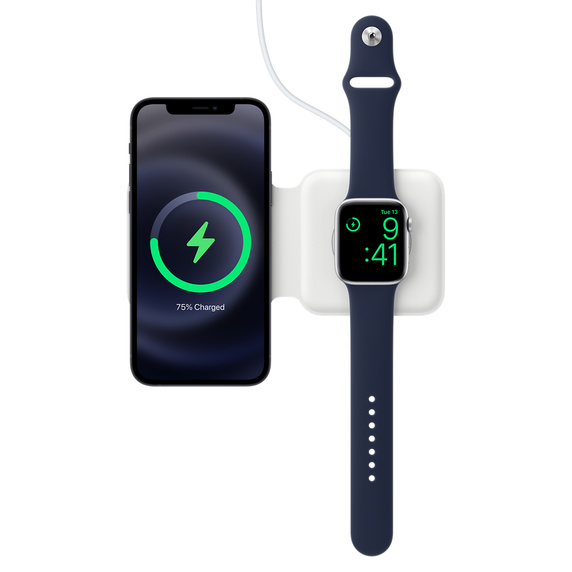
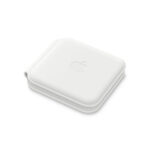
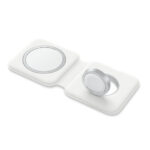
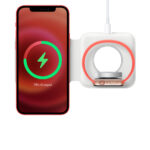
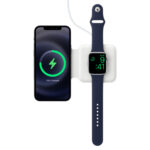
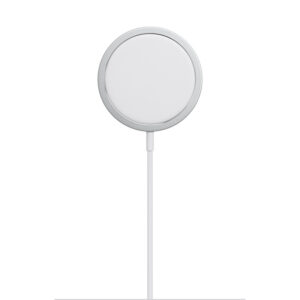
The MagSafe Duo Charger conveniently charges your compatible iPhone, Apple Watch, Wireless Charging Case for AirPods, and other Qi-certified devices. Just place your devices on the charger and a steady, efficient charge begins on contact. The charger folds together neatly so you can easily take it with you wherever you go.
Recommended:
– 20W USB-C Power Adapter that supports 9V/2.22A (sold separately) for faster wireless charging up to 11W
– 27W or higher USB-C Power Adapter that supports 9V/3A (sold separately) for faster wireless charging up to 14W
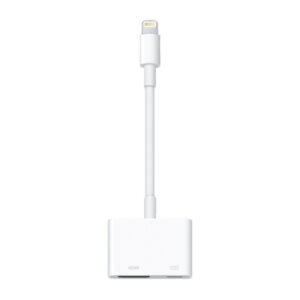
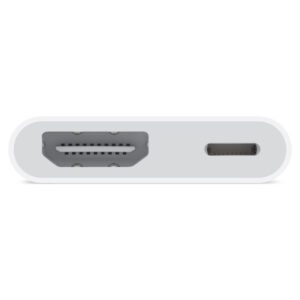
Use the Lightning Digital AV Adapter with your iPhone, iPad or iPod with Lightning connector. The Lightning Digital AV Adapter supports mirroring of what is displayed on your device screen — including apps, presentations, websites, slideshows and more — to your HDMI-equipped TV, display, projector or other compatible display in up to 1080p HD.
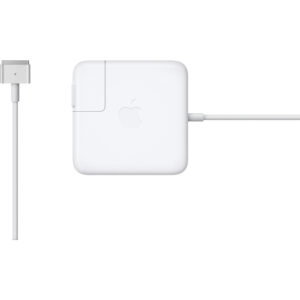
The 45W MagSafe 2 Power Adapter features a magnetic DC connector so if someone should trip over it, the cord disconnects harmlessly and your MacBook Air stays put safely. It also helps prevent fraying or weakening of the cables over time. In addition, the magnetic DC helps guide the plug into the system for a quick and secure connection.
When the connection is secure, an LED located at the head of the DC connector lights up; an amber light lets you know that your notebook is charging, while a green light tells you that you have a full charge. An AC lead is provided with the adapter for maximum lead length, while the AC wall adapter (also provided) gives you an even easier and more compact way to travel.
Designed to be the perfect travelling companion, the adapter has a clever design that allows the DC cable to be wound neatly around itself for easy cable storage.
This power adapter recharges the lithium polymer battery while the system is off, on or in sleep mode. It also powers the system if you choose to operate without a battery.
Compatible only with MacBook Air featuring MagSafe 2 power port.
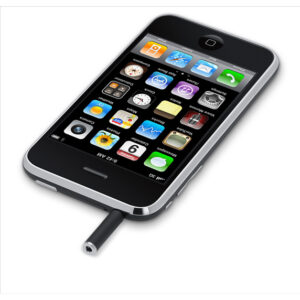
This adapter lets you use your iPhone with standard TTY devices. Just plug the cable from your TTY device into one end of the iPhone TTY Adapter, then plug the other end of the adapter into your iPhone.
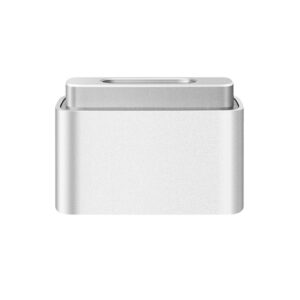
The MagSafe to MagSafe 2 Converter allows you to use the MagSafe connector on your LED Cinema Display, Thunderbolt Display or MagSafe Power Adaptor to charge your MagSafe 2 equipped Mac computer.
This USB 2.0 cable connects your iPhone, iPad or iPod with Lightning connector to your computer’s USB port for syncing and charging. Or you can connect to the Apple USB Power Adapter for convenient charging from a wall outlet.*
Use the Lightning to VGA Adapter with your iPhone, iPad or iPod with Lightning connector. The Lightning to VGA Adapter supports mirroring of what is displayed on your device screen — including apps, presentations, websites, slideshows and more — to your VGA-equipped TV, display, projector or other compatible display in up to 1080p HD.
Knowing which specific Mac model you have is important. If you are running OS X Lion (10.7) or later, go to the “” menu at the top left of your screen, choose “About this Mac” then click the “More Info…” button. Your Mac model and generation will be displayed.
If you are running an earlier version of OS X, you can enter your serial number here to find out which model you have.
Use this compact and convenient USB-based power adapter to charge your iPhone, iPad or iPod with Lightning connector at home, on the road or whenever it’s not connected to a computer. You can connect the adapter directly to your device via the Lightning connector.
Featuring a compact design, this power adapter offers fast, efficient charging.
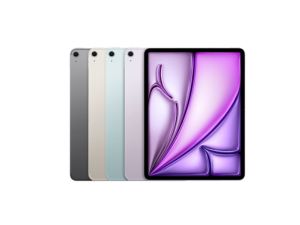
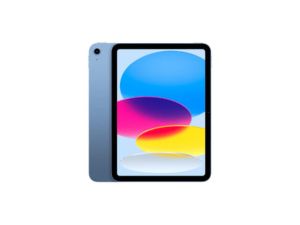
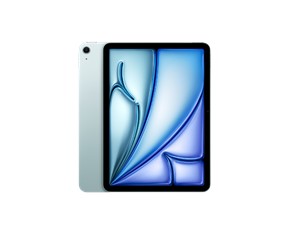
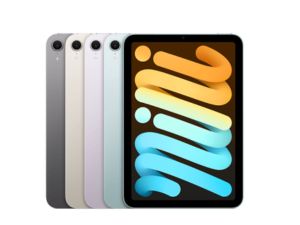
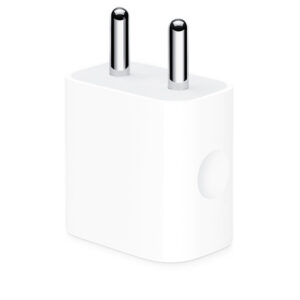
The Apple 20W USB‑C Power Adapter offers fast, efficient charging at home, in the office, or on the go. While the power adapter is compatible with any USB‑C-enabled device, Apple recommends pairing it with the iPad Pro and iPad Air for optimal charging performance. You can also pair it with iPhone 8 or later to take advantage of the fast-charging feature.
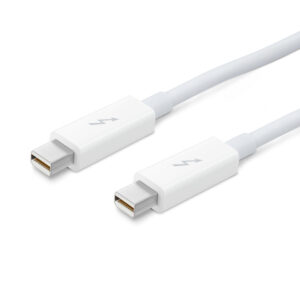
Thunderbolt technology supports fast data transfers with two independent channels of 10 Gbps each. And Thunderbolt 2 technology can bond the two channels for a super-fast 20 Gbps. Use this cable to connect Thunderbolt-enabled devices to the Thunderbolt or Thunderbolt 2 port on your Mac.
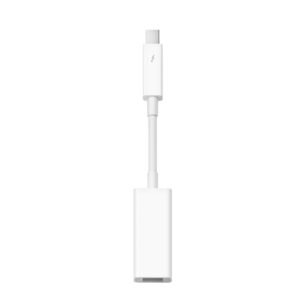
Easily connect your Thunderbolt-equipped Mac to a FireWire device with the Apple Thunderbolt to FireWire Adapter. Small and compact, it connects to the Thunderbolt port on your Mac computer, giving you a FireWire 800 port that supplies up to 7W for bus-powered peripherals like hard drives and audio devices.











There are no reviews yet.