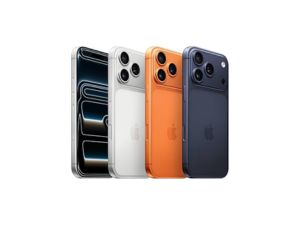
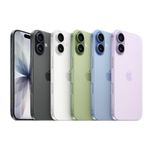
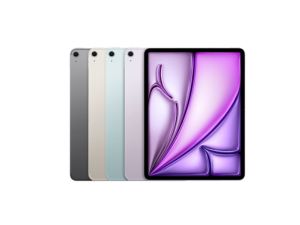


iPhone 17
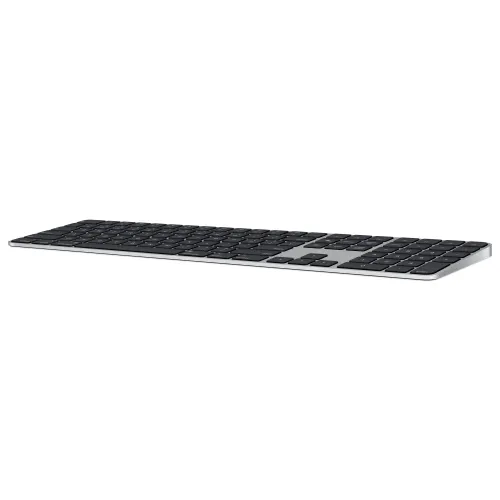
MAGIC KEYBOARD WITH TOUCH ID
₹19,500.00
Price Summary
- ₹19,500.00
- ₹19,500.00
- ₹19,500.00
Magic Keyboard with Touch ID and Numeric Keypad
Comfortable and Precise Typing Experience
Navigation Controls for Quick Scrolling
Full-size Arrow Keys
Related Products
Apple World Travel Adapter Kit
The World Travel Adapter Kit includes a set of seven AC plugs with pins that fit different power points around the world, each laser-etched with the regions they are compatible with. For world travellers, this is the perfect kit to ensure power connectivity in most countries you may travel to.
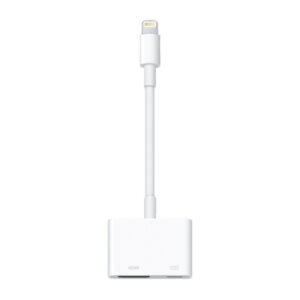
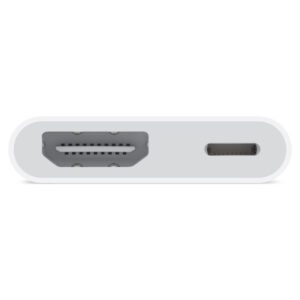
Lightning Digital AV Adapter
Use the Lightning Digital AV Adapter with your iPhone, iPad or iPod with Lightning connector. The Lightning Digital AV Adapter supports mirroring of what is displayed on your device screen — including apps, presentations, websites, slideshows and more — to your HDMI-equipped TV, display, projector or other compatible display in up to 1080p HD.
Power Adapter Extension Cable
The 1.8-metre Power Adapter Extension Cable is an AC extension lead that provides extra length for your Apple power adapter. Use it with MagSafe and MagSafe 2 power adapters, 10W and 12W USB-A power adapters and 29W, 30W, 61W, 67W, 87W, 96W and 140W USB-C power adapters.
Apple iPhone TTY Adapter
This adapter lets you use your iPhone with standard TTY devices. Just plug the cable from your TTY device into one end of the iPhone TTY Adapter, then plug the other end of the adapter into your iPhone.
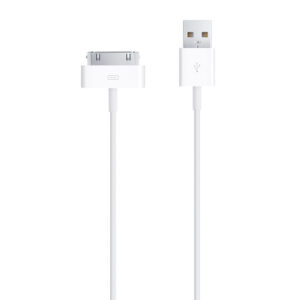
Apple 30-pin to USB Cable
This USB 2.0 cable connects your iPod, iPhone, or iPad — directly or through a dock — to your computer’s USB port for efficient syncing and charging or to the Apple USB Power Adaptor for convenient charging from a wall outlet.
Lightning to USB3 Camera Adapter
With the Lightning to USB 3 Camera Adapter, it’s easy to transfer photos and videos from your high-resolution digital camera to your iPad Pro. After you connect the Lightning to USB 3 Camera Adapter, your iPad Pro automatically opens the Photos app, which lets you choose photos and videos to import, then organises them into albums.
Lightning to VGA Adapter
Use the Lightning to VGA Adapter with your iPhone, iPad or iPod with Lightning connector. The Lightning to VGA Adapter supports mirroring of what is displayed on your device screen — including apps, presentations, websites, slideshows and more — to your VGA-equipped TV, display, projector or other compatible display in up to 1080p HD.
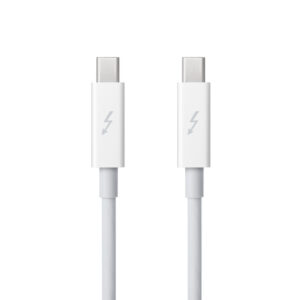
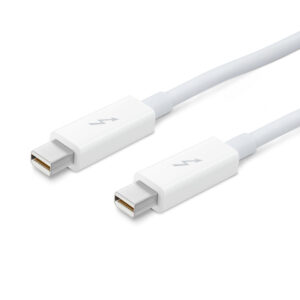
Apple Thunderbolt cable (2.0 m)
Thunderbolt technology supports fast data transfers with two independent channels of 10 Gbps each. And Thunderbolt 2 technology can bond the two channels for a super-fast 20 Gbps. Use this cable to connect Thunderbolt-enabled devices to the Thunderbolt or Thunderbolt 2 port on your Mac.
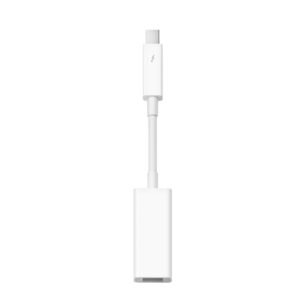
Thunderbolt to Gigabit Ethernet Adapter
The Apple Thunderbolt to Gigabit Ethernet Adapter lets you easily connect to a high-performance Gigabit Ethernet network. Small and compact, it connects to the Thunderbolt port on your Mac computer and provides an RJ-45 port that supports 10/100/1000BASE-T networks.
Lightning to USB Cable (2 m)
This 2-metre USB 2.0 cable connects your iPhone, iPad or iPod with Lightning connector to your computer’s USB port for syncing and charging. Or you can connect to the Apple USB Power Adapter for convenient charging from a wall outlet.*
MagSafe Duo Charger
The MagSafe Duo Charger conveniently charges your compatible iPhone, Apple Watch, Wireless Charging Case for AirPods, and other Qi-certified devices. Just place your devices on the charger and a steady, efficient charge begins on contact. The charger folds together neatly so you can easily take it with you wherever you go.
Recommended:
– 20W USB-C Power Adapter that supports 9V/2.22A (sold separately) for faster wireless charging up to 11W
– 27W or higher USB-C Power Adapter that supports 9V/3A (sold separately) for faster wireless charging up to 14W
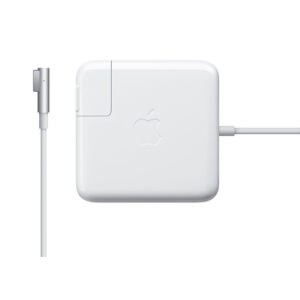
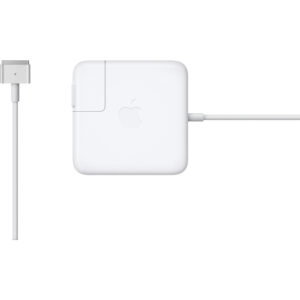
Apple 85W MagSafe Power Adapter (for 15- and 17-inch MacBook Pro)
Knowing which specific Mac model you have is important. If you are running OS X Lion (10.7) or later, go to the “” menu at the top left of your screen, choose “About this Mac” then click the “More Info…” button. Your Mac model and generation will be displayed.
If you are running an earlier version of OS X, you can enter your serial number here to find out which model you have.
Recently Viewed
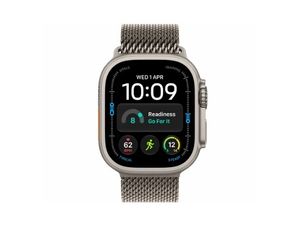
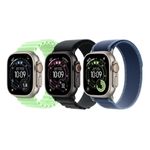
Watch Ultra
The most rugged and capable Apple Watch ever, designed for exploration, adventure and endurance. With a 49-millimetre aerospace-grade titanium case, extra-long battery life,specialised apps that work with the advanced sensors and a new customisable Action button.


There are no reviews yet.